

1
Connect your calendar
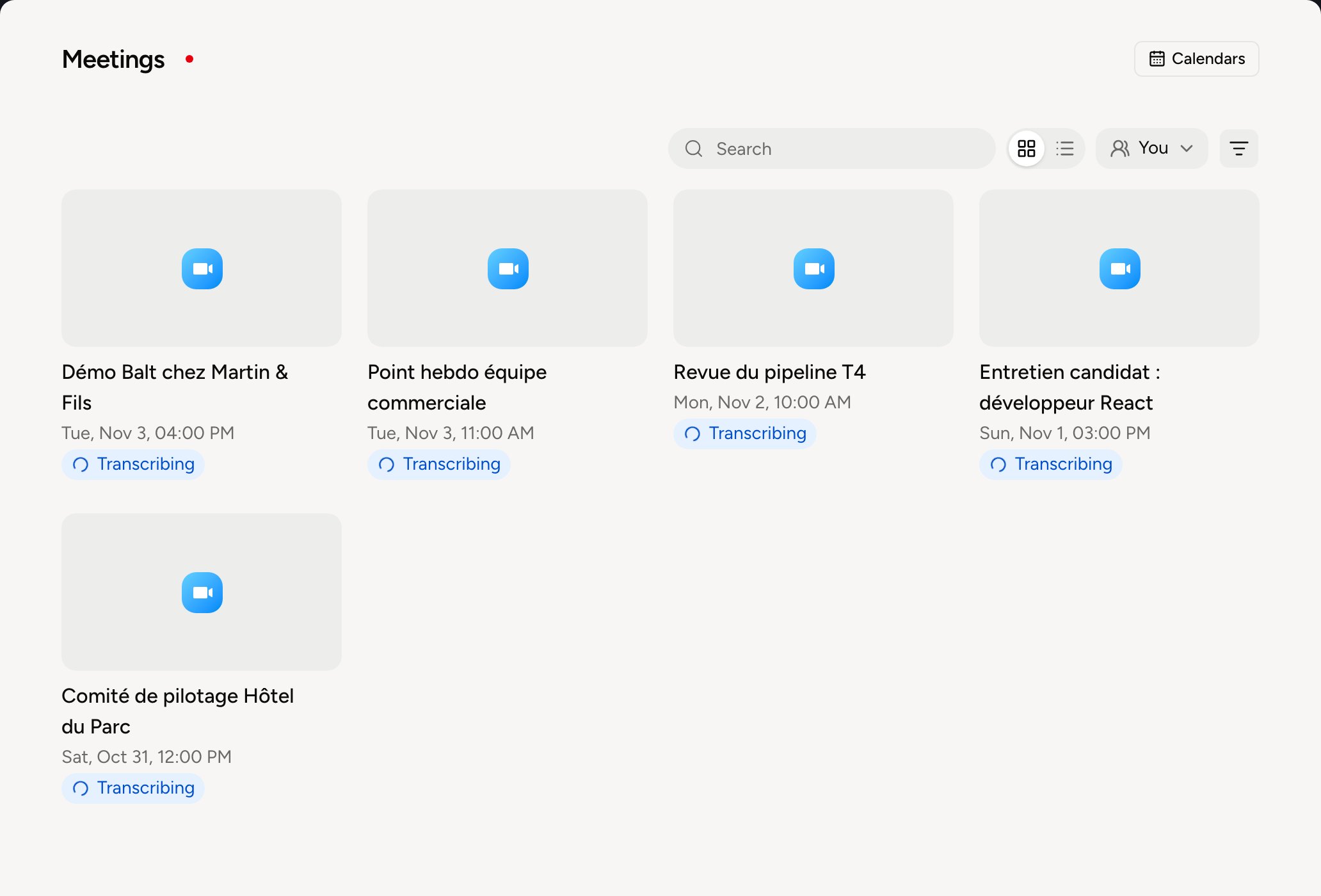
Under Meetings, open Calendars, then Connect a calendar. The notetaker joins this calendar’s meetings that have a video link.
2
Set up the notetaker
Open the Meeting recording routine, in the Organization tab of Routines. Set the Notetaker name, shown in the attendee list, and choose whether to Record video. Video can’t be added afterwards. An administrator can set these for the whole organization.
3
Find your meetings
After the meeting, open it under Meetings: the Summary tab gives what matters, the Transcript tab the detail. Share copies a link to the meeting.
Go further
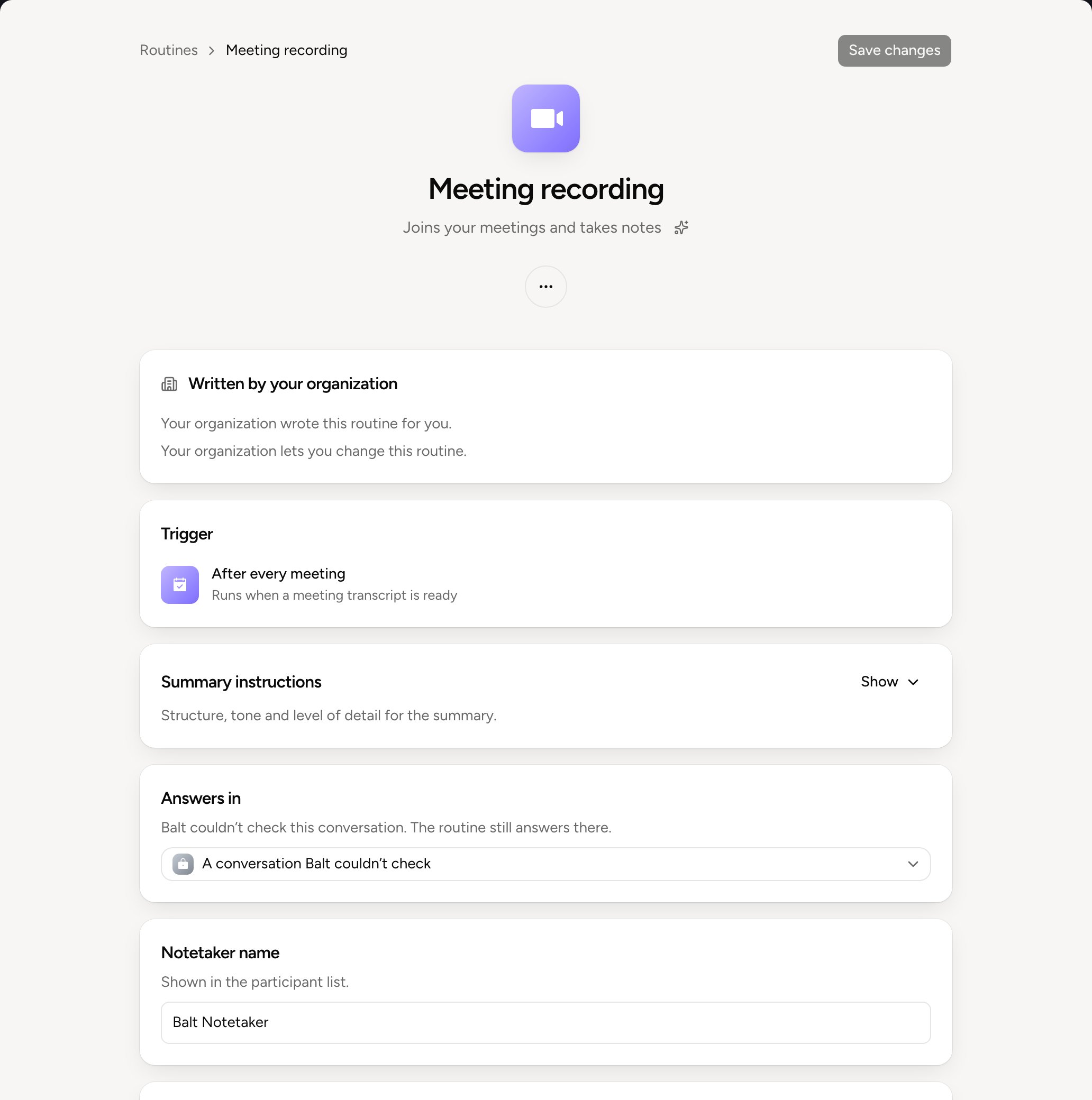
To stop Balt from joining your meetings, switch off the Meeting recording routine.