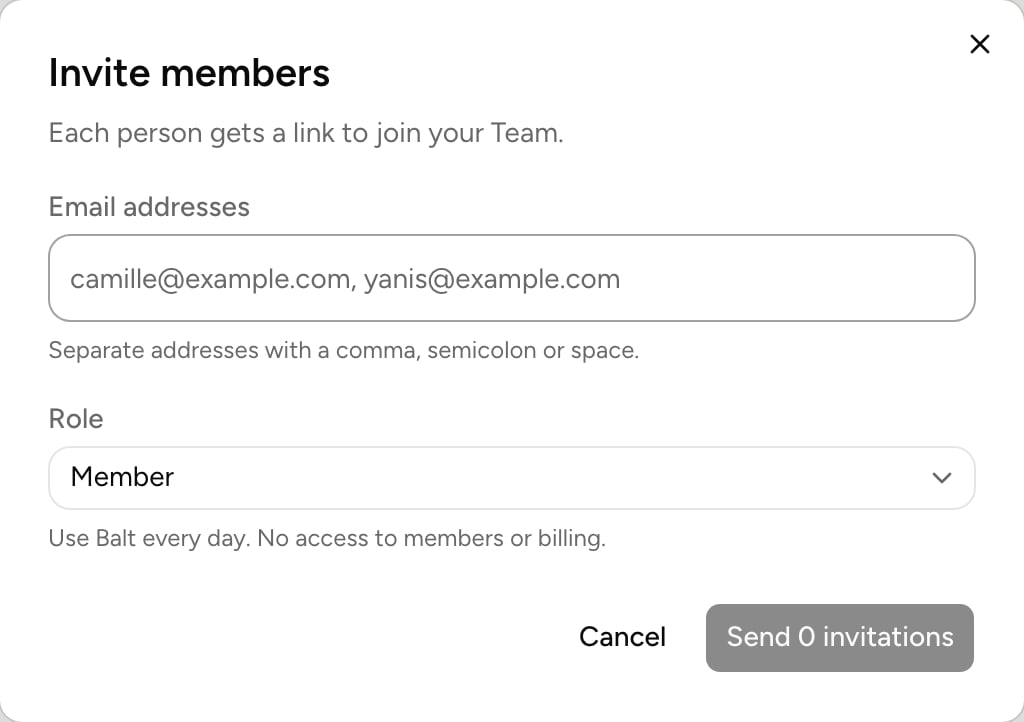

Roles
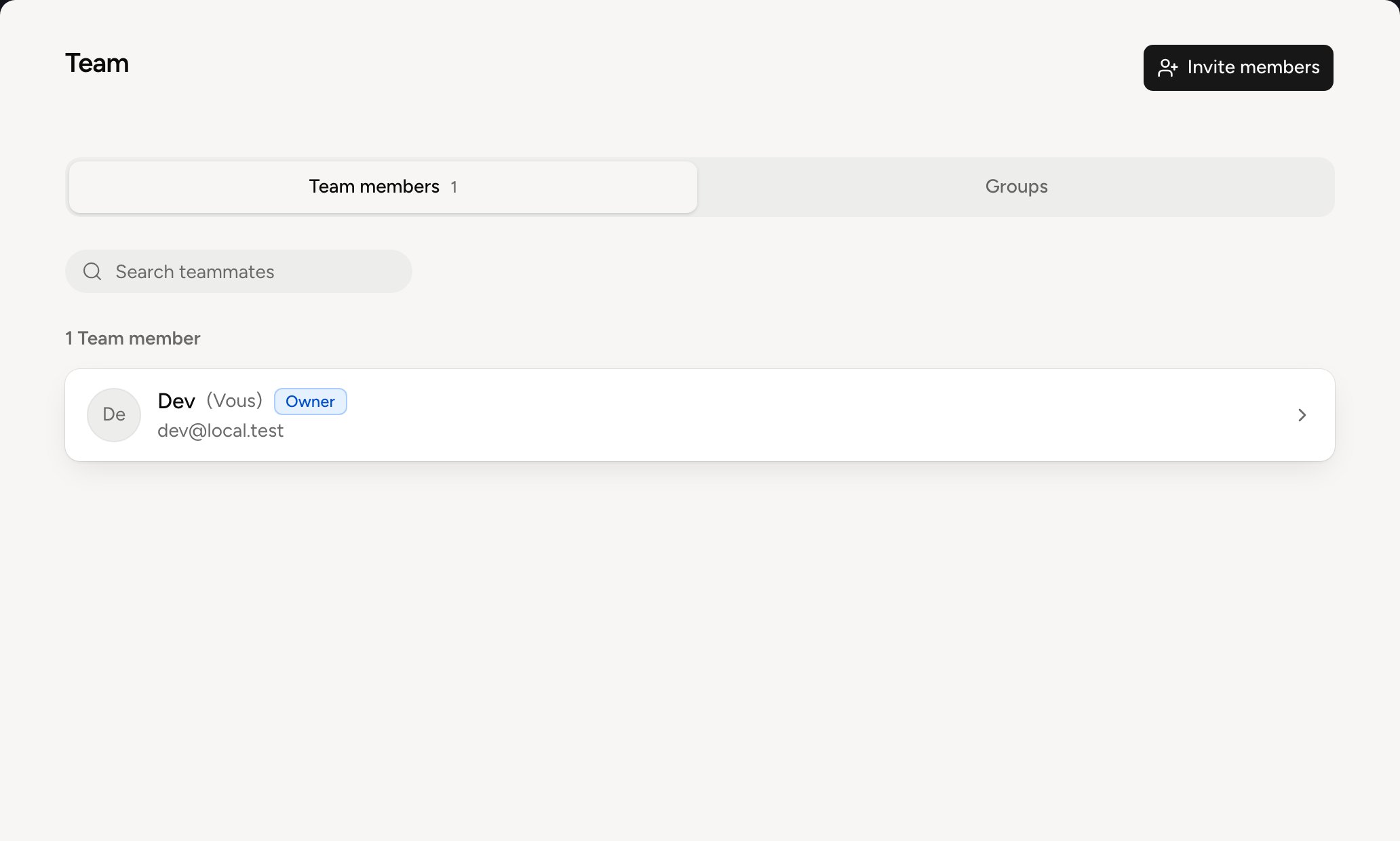
Invite colleagues
1
Open the invitation
Invite members, from the Team page or your profile menu, or Invite a colleague from the home page.
2
Choose who to invite
Tick people from your workspace, or type email addresses. Choose the invitees’ role.
3
Send
Each person gets a link by email, valid for 14 days. They sign in with their Google or Microsoft account: no account to create.