

- Slack
- Microsoft Teams
- Discord
1
Start the install
In the console, click Add to Slack.
2
Have the app approved
A workspace admin approves the app. Balt then replies in your threads.
3
Invite Balt to your channels
Balt only sees a channel’s content if he is invited to it.
You can remove Balt from any channel at any time.
Without a chat app
Balt also works without Slack, Teams or Discord. Find these ways in How to reach me, on the console’s home.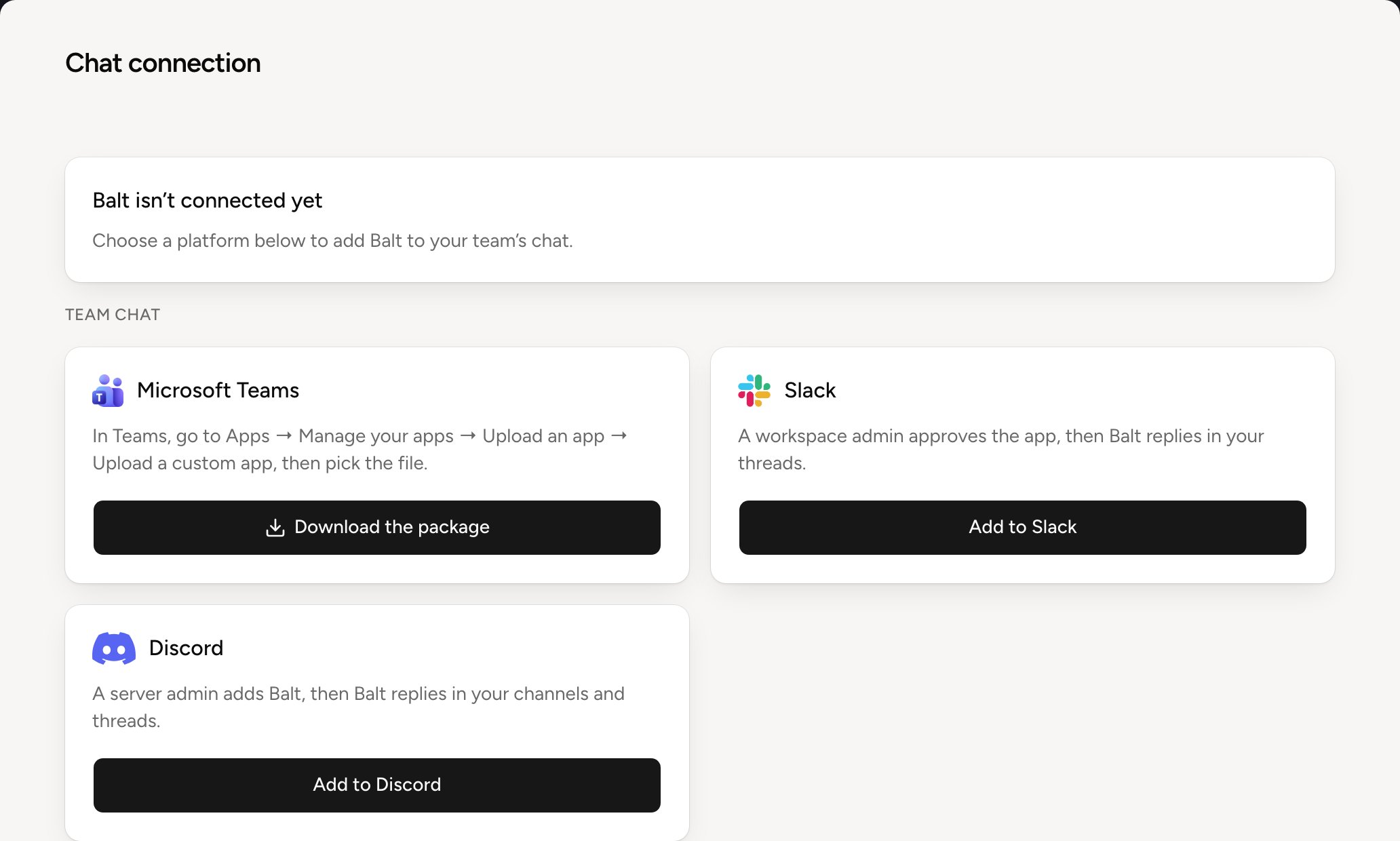
See Other ways to reach Balt. You can add Slack or Teams later, under Settings, Chat.