

With a sign-in
1
Read the steps first
Some tools need preparing, like switching on access in their settings. The window says so before you go on.
2
Name the account
Nickname for this account tells this account apart from others, for example “Sales inbox”.
3
Choose who has access
In Who should have access?, pick Private for you alone and the people you’ll invite, or Public for the whole organization. Only an administrator can pick Public. See Personal and organization accounts.
4
Authorize Balt
Go on to the tool, sign in and authorize Balt. You then come back to the console.
With an API key
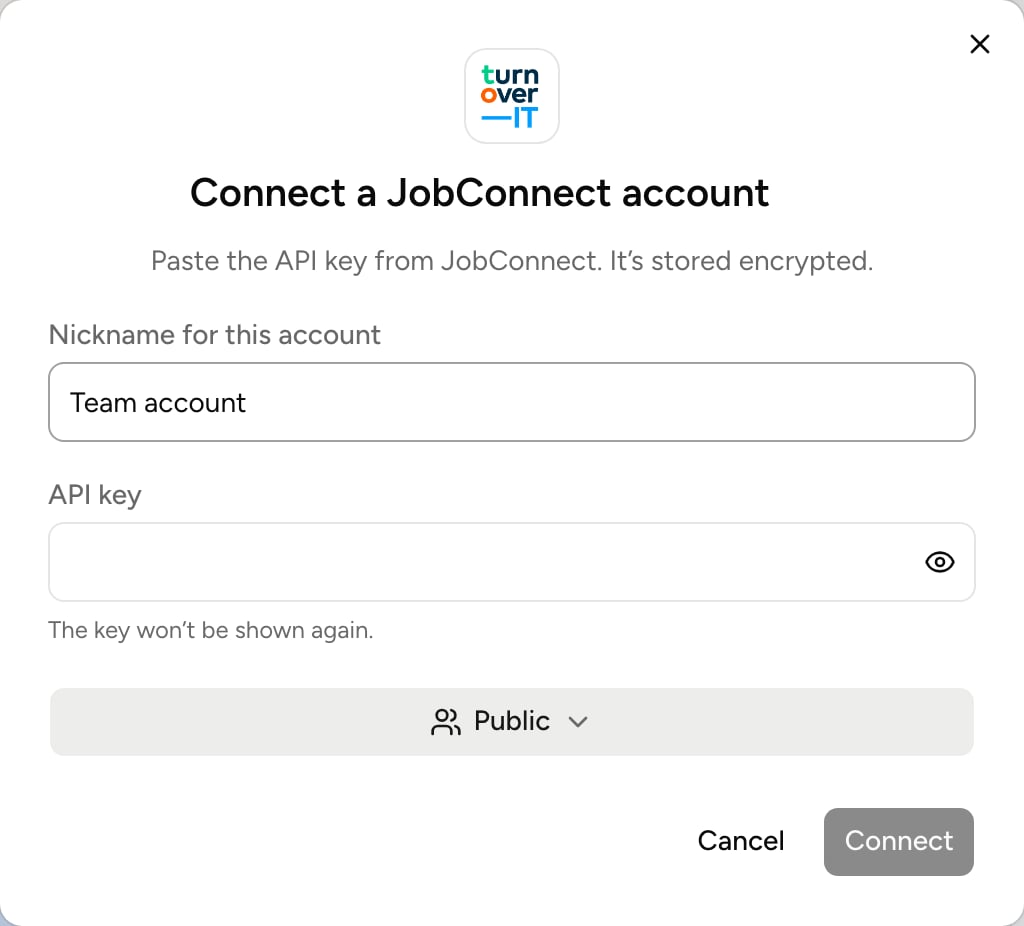
Several accounts for one tool
When several accounts of one tool are open to you, Balt uses the most personal one: yours first, then a private account you were invited to, then an organization account.