

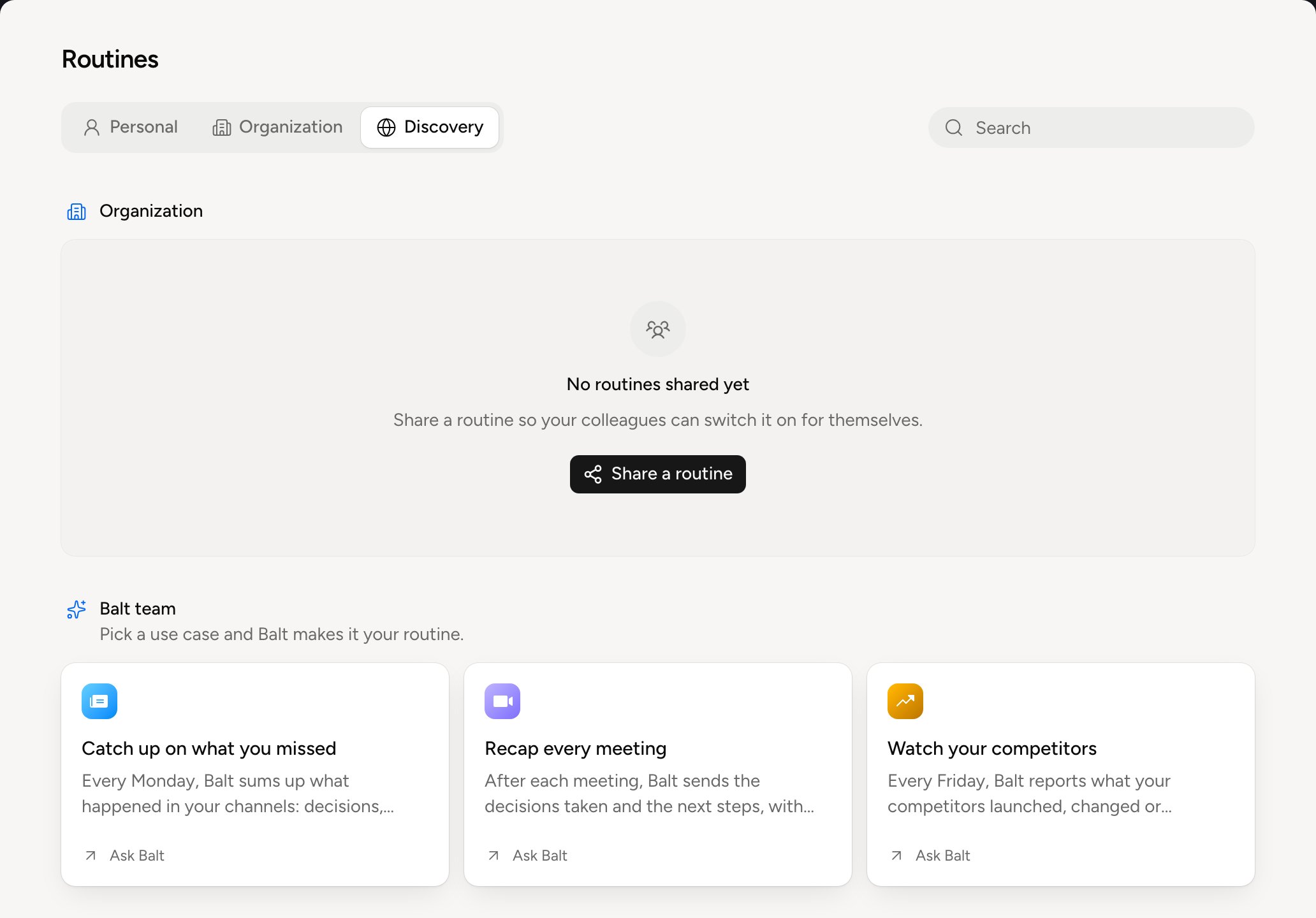
Ask Balt, in the console or in your chat app: “Sum up my meetings every morning.” Balt writes the routine, shows you what it will do and waits for your confirmation. You can also start from a card in the Discovery tab. Click Ask Balt: Balt shows you a preview built from your data, then makes it your routine. To offer yours to your colleagues, see Share a routine.
The Discovery tab

What sets it off

For a routine that follows a tool’s records, like a CRM, Records it follows picks My records (the ones you’re responsible for) or All records (every one you can see). A routine set off by an integration needs the tool connected: see Connect a tool. For a routine that gathers colleagues’ answers, see Collect answers from the team.

How it runs

Balt picks a routine’s mode when he writes it. The mode decides what a run costs. Hover the icon next to the next run to see a routine’s mode.